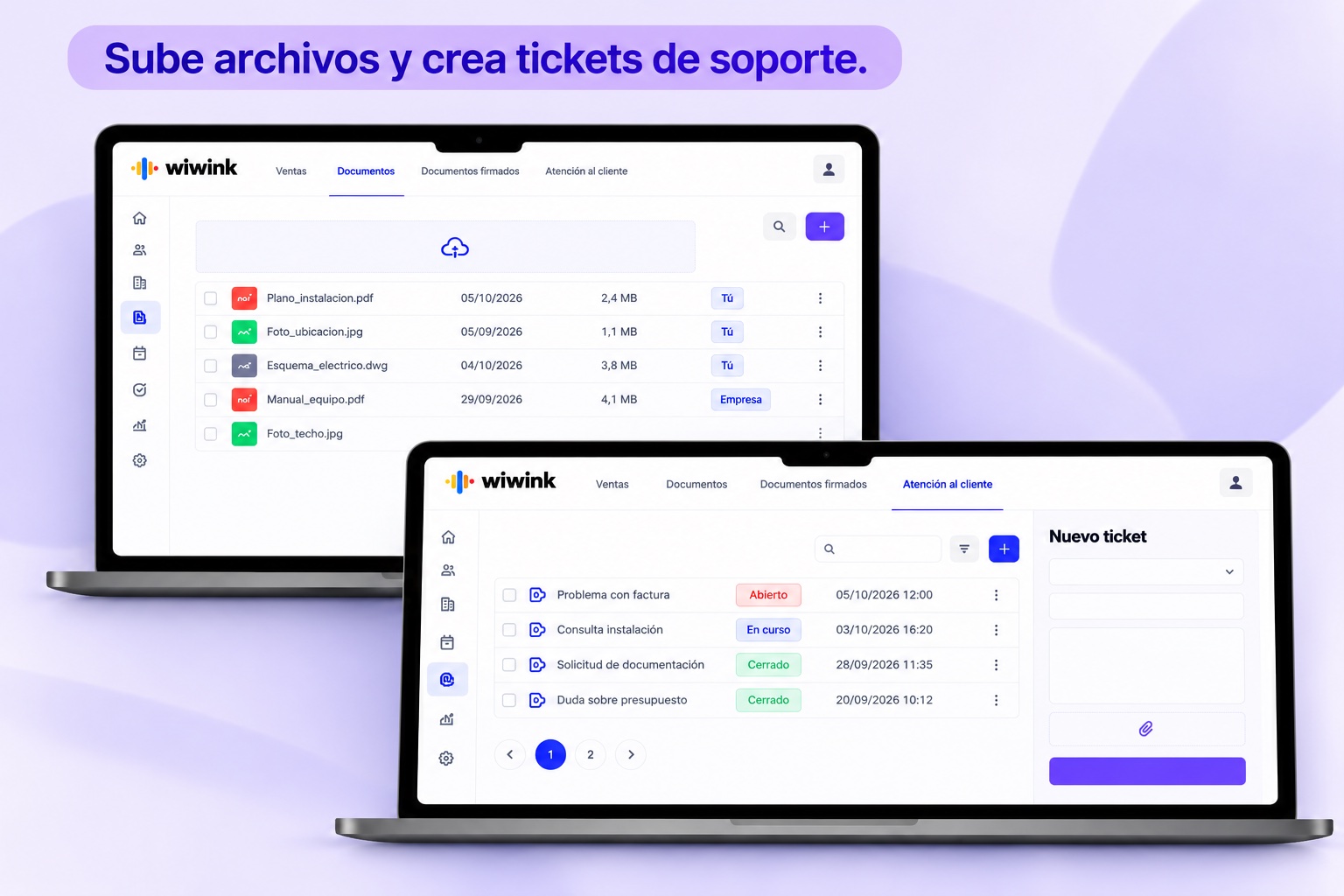
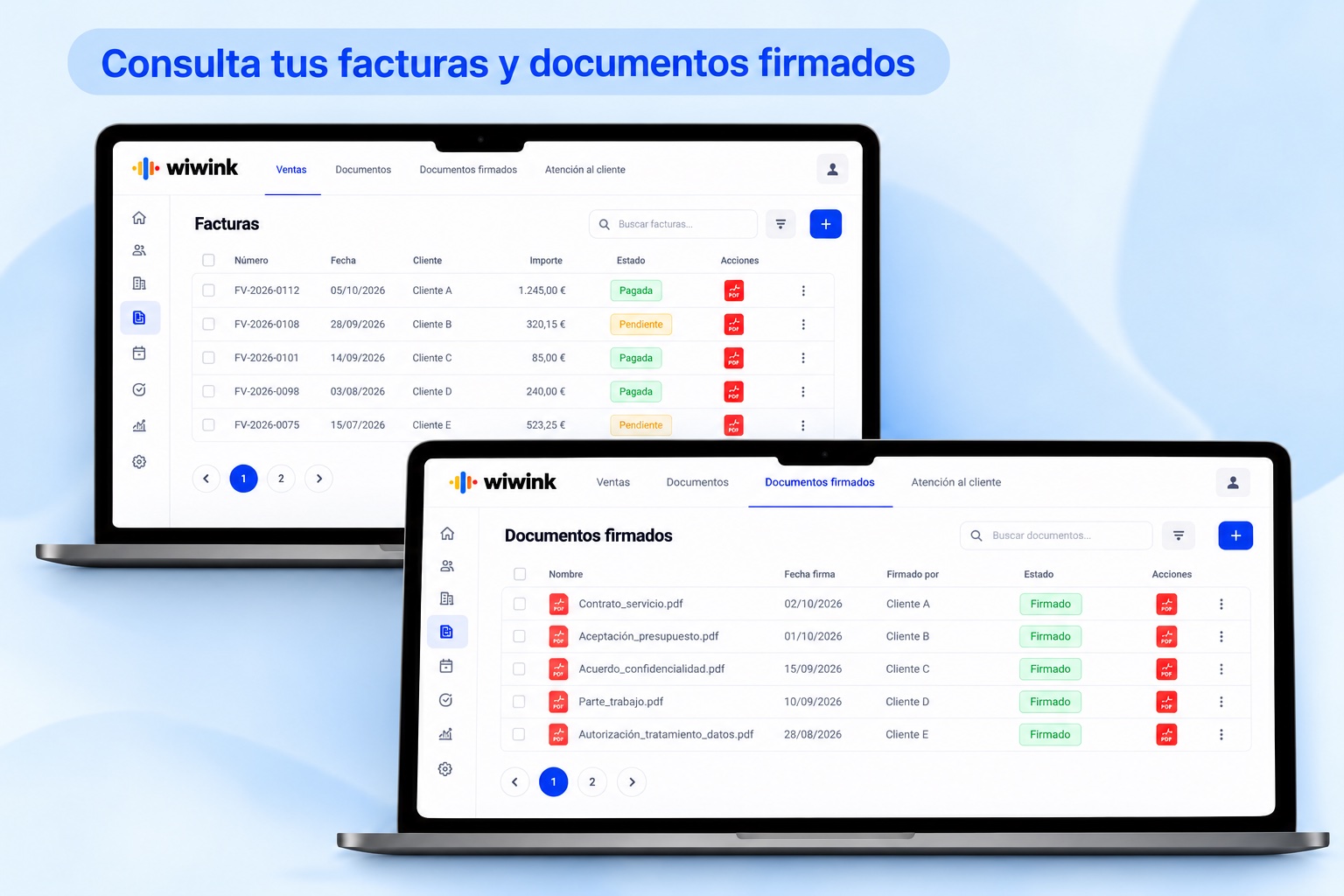
We answer the most common questions about the client portal in wiwink.
What is the wiwink Client Portal?
It is a feature built into the CRM + Business Management module that gives your clients access to their own area, where they can see quotes, invoices, products/services and related documents.
Can I see everything related to each client from their record?
Yes. From the client record you have access to their quotes, invoices, signed documents, and registered products and services, as well as other interactions.
Is the information centralised in the portal?
Yes. The portal lets you centralise relevant client information within the same platform, so data is never scattered.
What are the benefits for my clients of having their own portal?
Your clients can see their whole history (invoices, quotes, documents, etc.), which improves transparency, trust and their autonomy to check what concerns them without having to ask by email.
Does the client portal help me, as a freelancer or SME, cut admin time?
Yes. Because clients can access their quotes, invoices and documents directly, there is less manual handling, fewer queries and less repetition of information.
Can I combine the client portal with other wiwink modules?
Yes. The portal is part of CRM + Business Management, which can be used alongside modules such as digital signature, automatic invoicing, products and services, and more.
Does the portal show signed documents with legal traceability?
Yes. The platform includes digital signature modules with advanced biometric signature and identity verification (OTP), which ensures that the signed documents shown in the portal have legal validity and traceability.
Does this portal improve the client experience?
Yes. It lets clients see everything that concerns them (invoices, quotes, documents), how well they are being served and their history, which makes for a more professional and organised experience.
Can clients interact with the portal content (for example, view or download documents)?
As described, documents, quotes, invoices and more are accessible from the client record, which allows basic interaction such as viewing and consulting those items.
How do I start using the Client Portal in wiwink?
From your wiwink account, you activate the CRM + Business Management module, make sure the portal is enabled (it is included in the module's feature options) and manage documents and quotes from your CRM so they appear in that portal.
Give your clients their own space today
No card, no commitment: try wiwink free for 10 days.