Join over 20.000 users. Try it free for 10 days

MARKETING HUB · CONNECT YOUR WEBSITE

Connect your website to wiwink

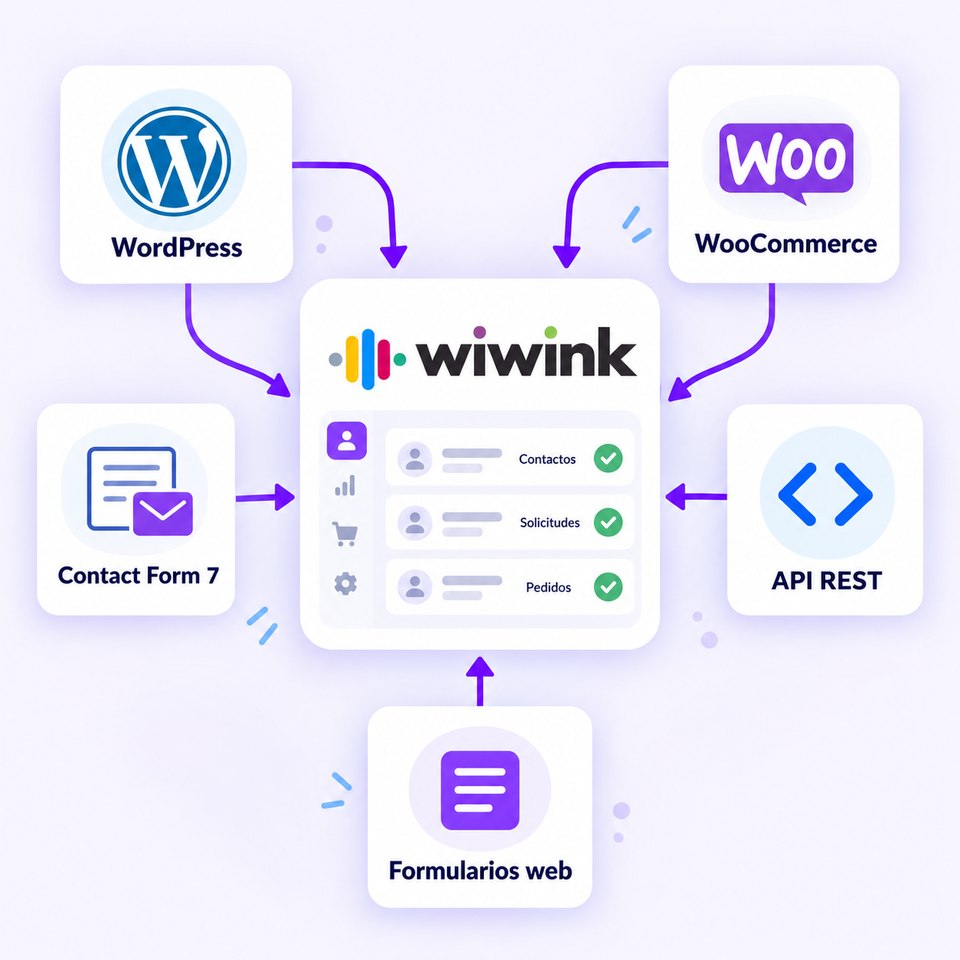
Connect your website directly to your CRM and automatically receive contacts, requests and orders. Choose how to integrate it: REST API, WordPress, Contact Form 7, WooCommerce or wiwink forms.

  • ✓Connect any website via REST API or forms
  • ✓Integrate WordPress and Contact Form 7 without coding
  • ✓Connect your WooCommerce shop to wiwink
From €10 /month
✓ 10-day trial ✓ No credit card required ✓ Support in Spanish
Connect your website to the wiwink CRM

Improve your results

Turn your website into a lead generation channel.

Every visitor with intent becomes a contact in your CRM, with no steps in between.

Stop entering data by hand.

Contacts, requests and orders go straight into the CRM, with no copying and pasting.

Choose how you want to connect your website.

REST API, WordPress, Contact Form 7, WooCommerce or wiwink forms: it’s up to you.

Manage every opportunity from wiwink.

Everything that comes in from your website becomes part of the CRM and Business Management, ready to work on.

Your website connected directly to wiwink

Choose the integration method that best suits your website: REST API, WordPress, Contact Form 7, WooCommerce or wiwink forms.

Marketing Hub module

Add-on module · from €10/month

Connect your website to wiwink and automatically receive contacts, requests and orders in your CRM.

Ways to connect
REST API WordPress Contact Form 7 WooCommerce wiwink forms

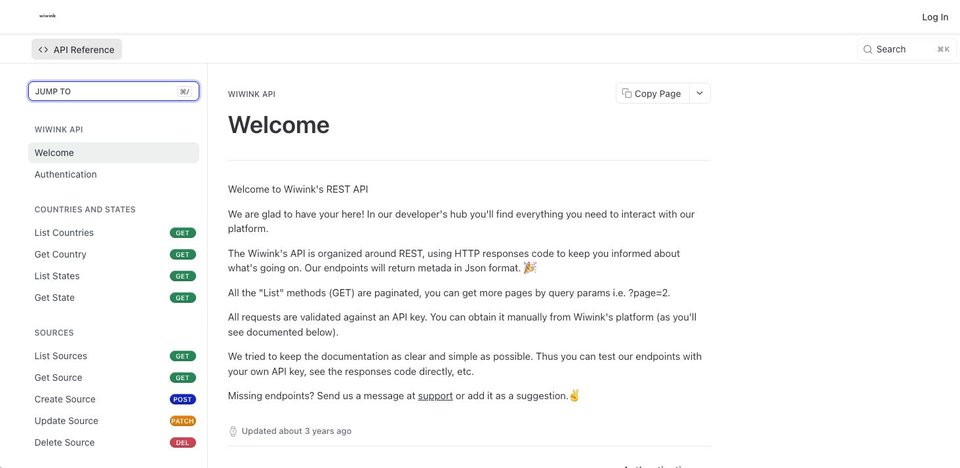
REST API

Connect any website to wiwink

Ideal for websites and in-house developments that need a custom integration.

  • Direct integration via REST API
  • Ideal for websites and in-house developments
  • Connect your forms and processes to wiwink
  • Tailor the integration to your website’s needs
See the REST API documentation →
wiwink REST API documentation

WordPress

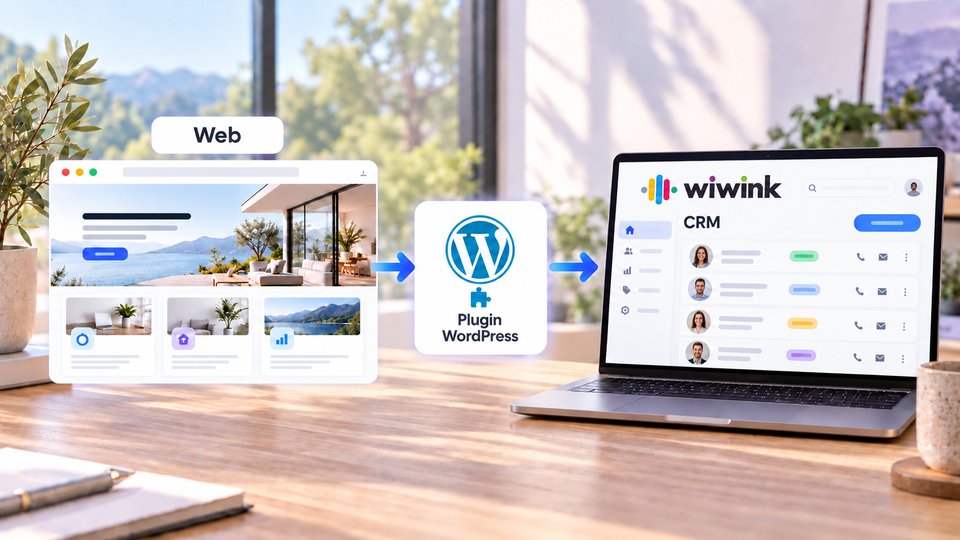
Connect your WordPress website to wiwink

Depending on how your website is built, you can integrate it with a script, with the Contact Form 7 connector or by syncing your WooCommerce shop.

  • Compatible with websites built on WordPress
  • Several integration methods to suit your set-up
  • Contacts go straight into your CRM
How WordPress connects to the wiwink CRM

Contact Form 7

Connect your WordPress forms to your CRM

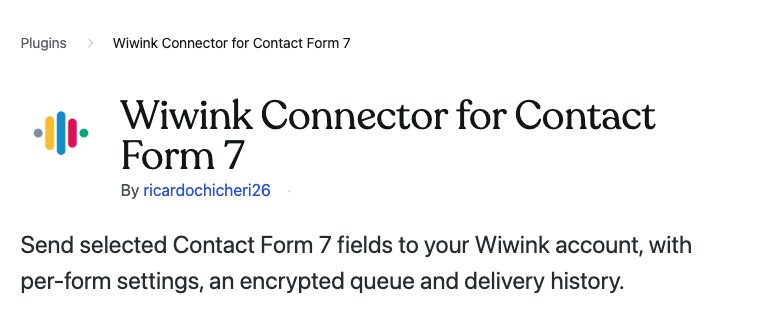
Install the «Wiwink Connector for Contact Form 7» plugin and start receiving your forms directly in the CRM.

  • Separate settings for each form
  • Mapping of name, email, phone, company, message, address, city and postcode
  • Contacts sent to wiwink
  • Encrypted sending queue
  • Delivery and retry history

Every valid submission can automatically create a new contact in wiwink.

Wiwink Connector for Contact Form 7 plugin

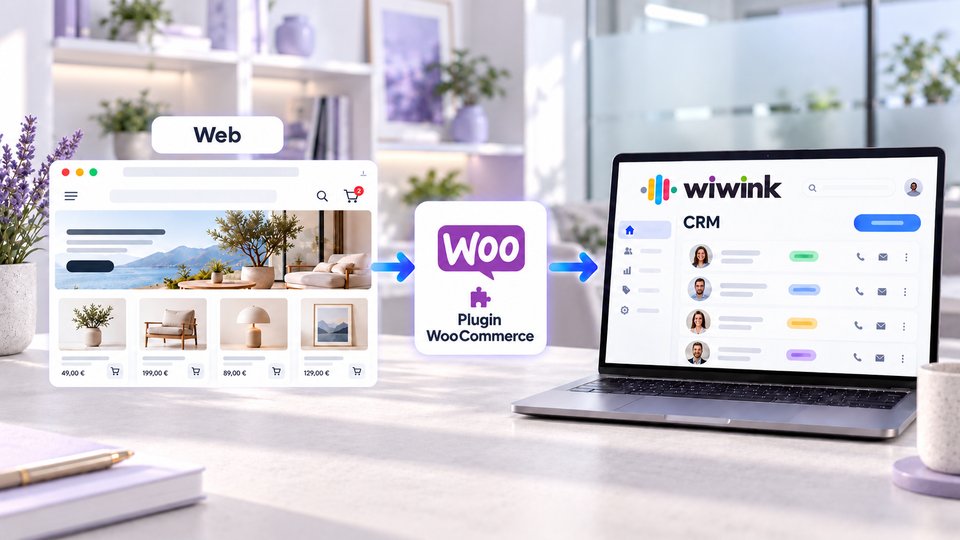
WooCommerce

Connect your online shop to wiwink

Automatically sync your new orders and, if you need to, create draft invoices without leaving wiwink.

  • Direct connection with WooCommerce
  • Automatic order sync
  • Orders available in wiwink
  • Optional draft invoice creation
  • Set up with your WooCommerce API keys
How to connect WooCommerce to wiwink →
How WooCommerce connects to the wiwink CRM

wiwink forms

The easiest way to connect any website

No WordPress, Contact Form 7 or WooCommerce, or you’d rather avoid developing an integration? wiwink creates a contact sign-up form that you can share via a link or add to your website.

  • No need to develop an integration
  • Use it on any website
  • Add the form using HTML
  • Data goes straight into wiwink
  • You can also share the form via a link
How to use the contact sign-up form →
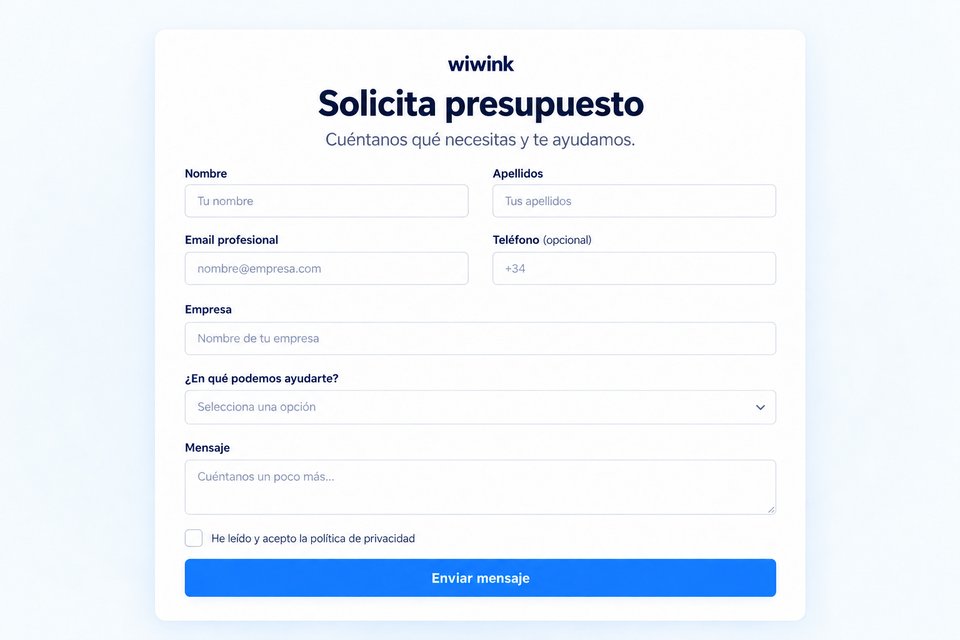
wiwink contact sign-up form

A solution for every type of website

Not sure where to start? This is the recommended method depending on how your website is built.

From your website to your business

1Website
2Contact, request or order
3wiwink
4CRM + Business Management
5Opportunity and client

Your whole business connected, at every step.

⚡Adapt the workflow to your sector
Marketing Hub CRM + Business Management + Verifactu Digital signature Schedule control Works Loyalty Automation
1Connect web or API
2Manage the client
3Sign quotes and contracts
4Control your team
5Organise the work
6Invoice and get paid
7Keep your clients loyal
8Automate tasks

Adapt wiwink to your business

Pay annually and save 20% on CRM, modules and users

Enable JavaScript to calculate modules and users. Base prices and sign-up links remain available.

Basic
CRM + Business Management Verifactu
1 user included
Basic does not include modules: for Schedule control or Works users, choose Adapta or Pro.
CRM · Boost your sales
  • ✓Contacts
  • ✓Quotes
  • ✓Tasks
  • ✓Products and services
Management · Save time and money
  • ✓Verifactu
  • ✓Electronic invoicing
  • ✓Clients and suppliers
  • ✓Automatic invoicing
  • ✓Bank remittances and online payments
  • ✓Client portal
  • ✓Suppliers
Find out more about what CRM + Business Management covers ▾
  • ✓Delivery notes
  • ✓Proforma
  • ✓Expenses · scanning
Includes
  • ✓Unlimited invoices per year
  • ✓Unlimited recurring invoices
  • ✓Custom roles
  • ✓Documents (100 GB)
From15€/month
CRM + Business Management
Start for free
★ Recommended
Adapta
Choose your modules or sector
2 users included
Basic CRM + Business Management Verifactu
(Included in your Adapta plan)
€15/month
Schedule control €10/month ▾
  • ✓Schedule control
  • ✓Absences and holidays
  • ✓Geolocation
  • ✓Employee documents
Digital signature €10/month ▾
  • ✓Simple signature
  • ✓Biometric signature
  • ✓SMS verification
  • ✓100 signatures/month included
Loyalty €10/month ▾
  • ✓Ticketing and incidents
  • ✓Satisfaction surveys
  • ✓10,000 sends/month
Marketing Hub €10/month ▾
  • ✓Forms and REST API
  • ✓Zapier and Meta Lead Ads
  • ✓Email marketing
  • ✓10,000 sends/month
Works €10/month ▾
  • ✓Work reports
  • ✓Technician scheduling
  • ✓Control checklist
Automations Free ▾
  • ✓Connect your modules and automate tasks and processes
Choose your sector or a module to see the price
Start for free
Pro
All modules included
3 users included
Basic CRM + Business Management Verifactu
(Included in your Pro plan)
€15/month
Schedule control €10/month ▾
  • ✓Schedule control
  • ✓Absences and holidays
  • ✓Geolocation
  • ✓Employee documents
Digital signature €10/month ▾
  • ✓Simple signature
  • ✓Biometric signature
  • ✓SMS verification
  • ✓100 signatures/month included
Loyalty €10/month ▾
  • ✓Ticketing and incidents
  • ✓Satisfaction surveys
  • ✓10,000 sends/month
Marketing Hub €10/month ▾
  • ✓Forms and REST API
  • ✓Zapier and Meta Lead Ads
  • ✓Email marketing
  • ✓10,000 sends/month
Works €10/month ▾
  • ✓Work reports
  • ✓Technician scheduling
  • ✓Control checklist
Automations Free ▾
  • ✓Connect your modules and automate tasks and processes
From49€/month
All modules included
Start for free

Connect with your favourite tools

The wiwink core and every module integrate with the tools your business already uses — without relying on external integrations to work.

Stripe PayPal Zoom Google Calendar Google Meet Google Contacts Microsoft Teams Calendly WooCommerce WordPress Zapier

Want to connect more than your website?

Connect your favourite apps to wiwink too, using Zapier and much more.

Discover Connect your apps →

Everything you can achieve with wiwink

Every benefit comes from combining the wiwink core with the modules you choose, so it fits your business model.

Win clients
Track sales, assign tasks, send quotes and sign digital contracts, all from the wiwink CRM.
Find out more →
Save time
Automate repetitive tasks, avoid duplicating data and enable online payment with a single click from your invoices.
Find out more →
Centralise your information
From the client record, access quotes, invoices, signed documents, purchased products and more, all in one place.
Find out more →
Build client loyalty
Segment your database and send campaigns or surveys, or manage issues without leaving wiwink.
Find out more →
Stay in control of your business
Check income, expenses, pending payments and best-selling products, and manage your team with real-time data.
Find out more →
Stay compliant
Generate FacturaE, comply with Verifactu, send GDPR-compliant campaigns and sign documents with legal traceability.
Find out more →

Frequently asked questions

We answer the most common questions about connecting your website to wiwink.

How can I connect my website to wiwink?
It depends on how your website is built: you can use the REST API for an in-house development, integrate WordPress, install the Contact Form 7 plugin, sync your WooCommerce shop or use wiwink forms.
Can I connect a custom-built website?
Yes. For websites and in-house developments, the recommended method is the REST API, which lets you tailor the integration to your website’s specific needs.
Can I connect WordPress to wiwink?
Yes. Depending on how your WordPress website is built, you can integrate it with a script, with the Contact Form 7 connector or by syncing your WooCommerce shop.
Is there a plugin for Contact Form 7?
Yes, «Wiwink Connector for Contact Form 7». It lets you configure each form separately, map its fields and send valid submissions to wiwink as new contacts, with an encrypted sending queue and delivery history.
Can I connect WooCommerce?
Yes. Once you set up your WooCommerce API keys, your new orders are synced automatically and become available in wiwink, with the option to create draft invoices.
What if my website doesn’t use any of these technologies?
You can use wiwink forms: add them to any website using HTML or share them via a link, with no need to develop an integration.
Do I need coding skills?
Not necessarily. wiwink forms and the Contact Form 7 plugin require no coding. Only the REST API integration is designed for in-house developments.
Do the contacts received stay in the CRM?
Yes. Any contact, request or order that comes in from your website goes straight into wiwink’s CRM and Business Management, ready to become an opportunity.
Can I combine several connection methods at once?
Yes. You can use, for example, the Contact Form 7 plugin for your forms and WooCommerce sync for your orders, within the same Marketing Hub module.

Connect your website to your CRM

REST API, WordPress, Contact Form 7, WooCommerce or wiwink forms: choose how to connect and start receiving contacts automatically.

REST API WordPress Contact Form 7 WooCommerce wiwink forms

Marketing Hub from €10/month

✓ 10-day trial ✓ No credit card required ✓ Support in Spanish