Connect CRM, Digital signature, Works, Loyalty and Marketing with automatic rules: no coding, no depending on anyone. More than a CRM, without the complexity of an ERP.
✓Trigger automatic actions when a status changes, a record is created or a document is signed
✓Chain steps across modules: an accepted quote can create the customer, send the contract and generate the work report
✓ 10-day trial✓ No credit card required✓ Support in Spanish
Improve your results
Stop repeating the same manual task a hundred times.
Every repetitive action becomes a rule that runs on its own.
Connect what happens in one module with what needs to happen in another.
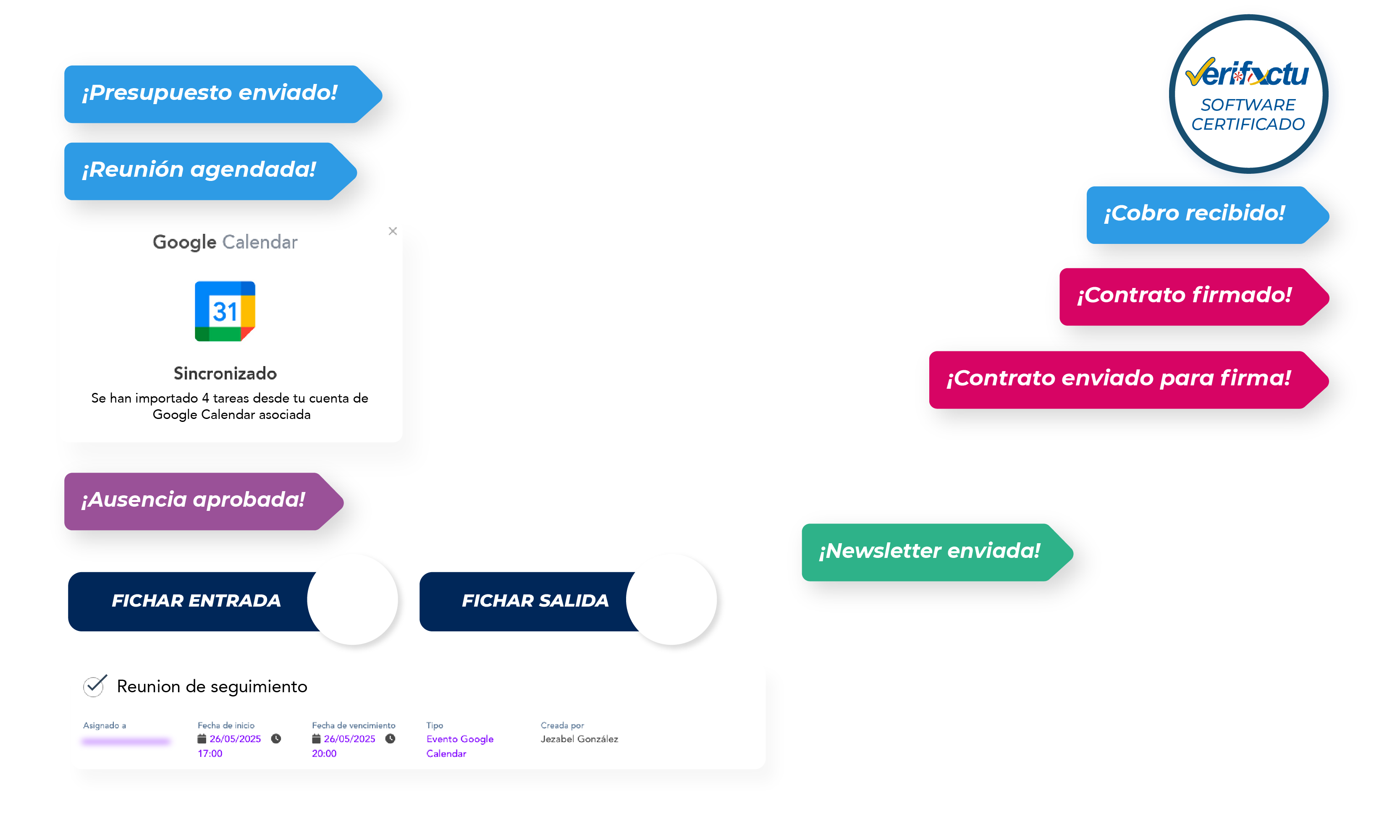
Quote accepted → contract sent → work report created, all chained together.
Never miss an alert.
Automatic notifications to your team or your customers at exactly the right moment.
Start with your sector's pack, not from scratch.
Recommended automations for your company's sector, ready to activate.
Connect your modules without leaving wiwink
Stop repeating tasks by hand. Define triggers and actions across CRM, Digital signature, Works, Loyalty and Marketing from the same place where you run your business. Everything you would gain with an ERP, without the complexity of implementing one.
Automations
Module added to CRM + Business Management
Connect triggers and actions across all your wiwink modules, without writing a single line of code.
Includes
Unlimited automationsTriggers in any module you haveMulti-step chains across modules
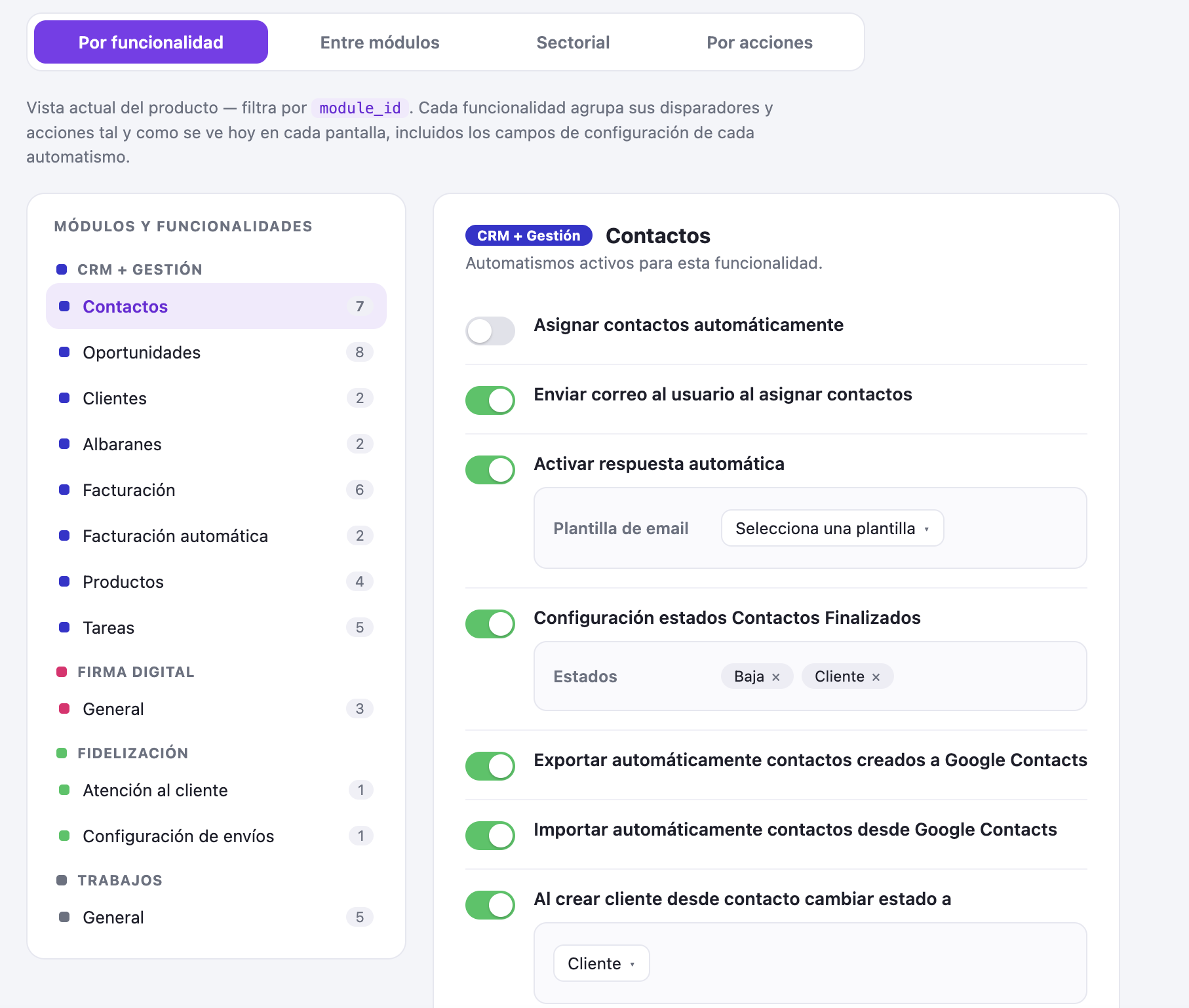
Automations by feature
Rules within each module
Turn on or off ready-made automations for each feature of your CRM, Digital signature, Works, Loyalty and Marketing.
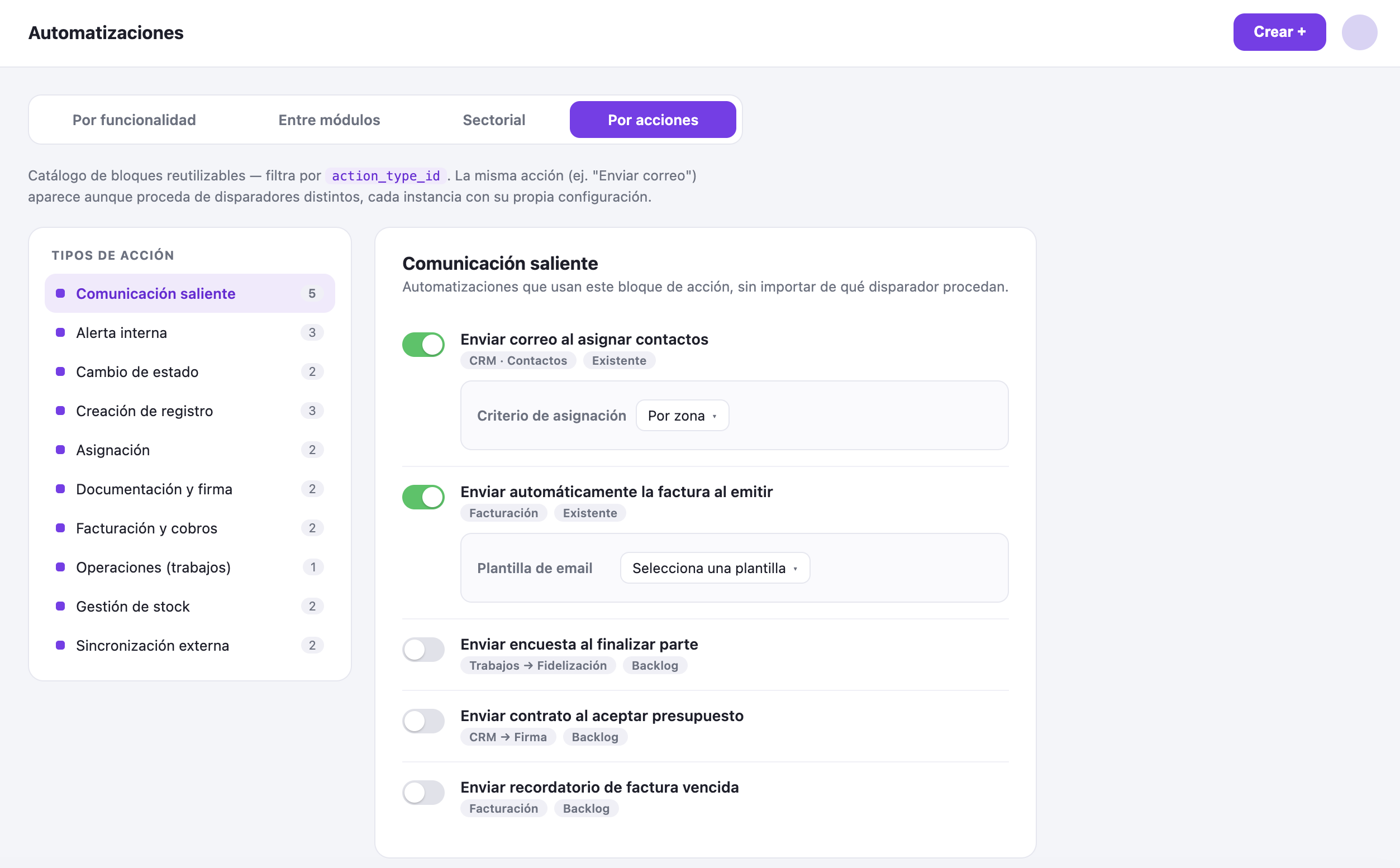
Send an email or SMS automatically when a status changes
Change the status of a contact, opportunity or invoice without touching it
Generate invoices, delivery notes or work reports automatically
Sync contacts and tasks with Google Contacts and Google Calendar
Configure each rule with its own fields: templates, recipients or conditions
We answer the most common questions about wiwink Automations.
What is an automation in wiwink?
It is a rule that connects a trigger (something that happens in a module, such as accepting a quote) with one or more automatic actions (sending an email, changing a status, creating a record...), without you having to do it by hand.
Can I chain automations across different modules?
Yes. For example, an accepted quote can create the customer, send the contract for signing, request the SEPA mandate and create the work report, all in a single chain.
Do I need to know how to code to set them up?
No. Automations are activated and configured with switches and dropdowns from the module itself, without writing code.
Can I turn off an automation without losing its configuration?
Yes, each automation has its own switch: you can turn it off temporarily without losing the saved configuration.
Are there recommended automations for my sector?
Yes, wiwink includes automation packs designed for installers, technical service and maintenance companies, consultancies, agencies, accountancy firms and IT companies, ready to activate.
What actions can I automate?
Among others: sending emails or SMS, changing statuses, creating customers, opportunities, invoices or work reports, syncing with Google Calendar or Contacts, and generating payment links with Stripe.
How much does an additional user cost?
You can add extra users for €15/month (full access) or €2.50/month (schedule control only), with discounts of up to 25% depending on the number of users.
Ready to automate your business?
No card, no commitment. Discover how wiwink connects your modules automatically from today.