Get clients
Track your sales pipeline, assign tasks, send quotes and sign contracts — all from wiwink's CRM
Learn more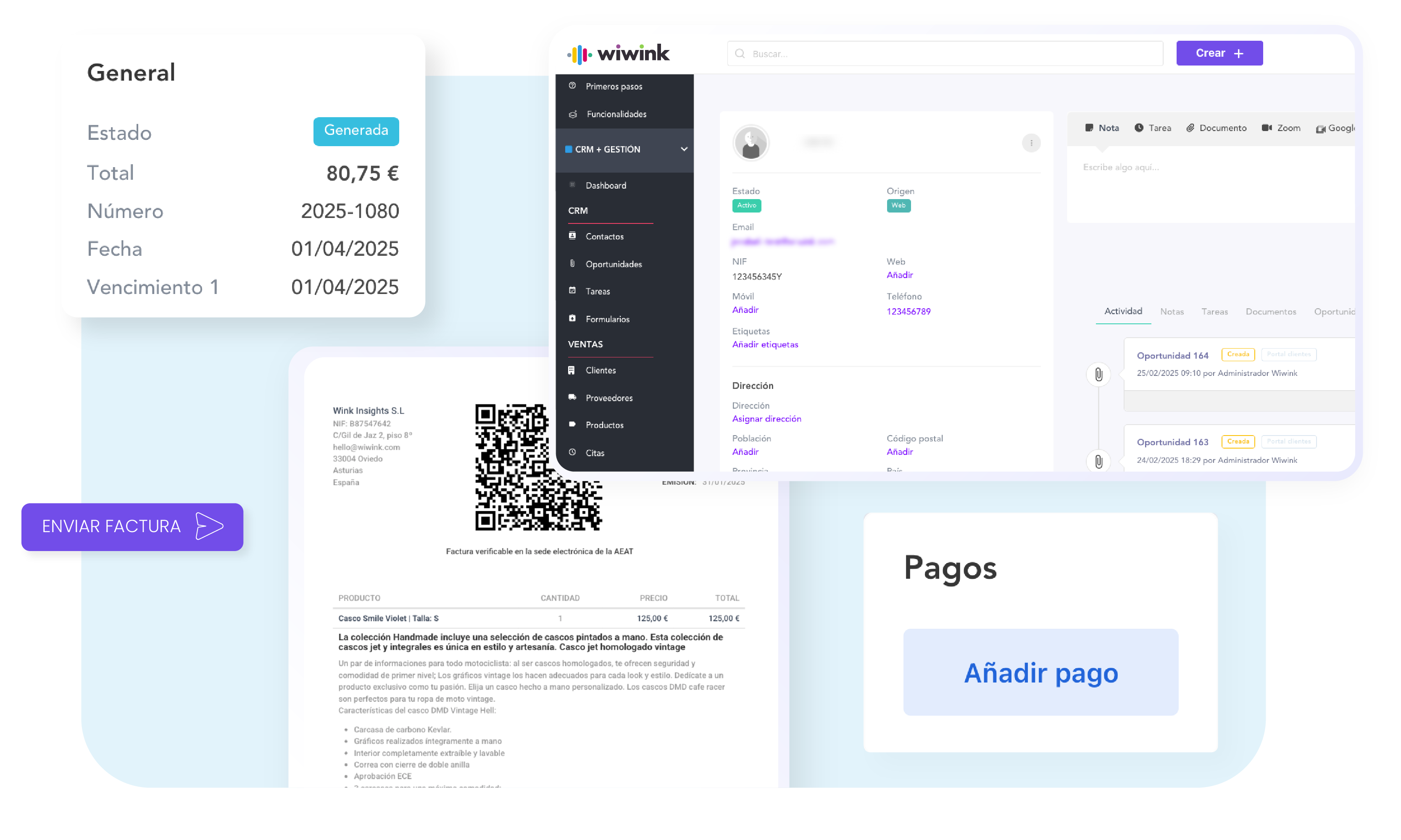
 Stripe
 Zoom
Zoom
 Google Calendar
 Woocommerce
 Microsoft Teams
 Calendly
 Google Contacts
 PayPal
 Wordpress
 MyBusiness
 Instagram
 Facebook
 Twitter / X
 Linkedin
 Youtube
 Google Ads
 Google Analytics
 Zapier
 Google Meet
Track your sales pipeline, assign tasks, send quotes and sign contracts — all from wiwink's CRM
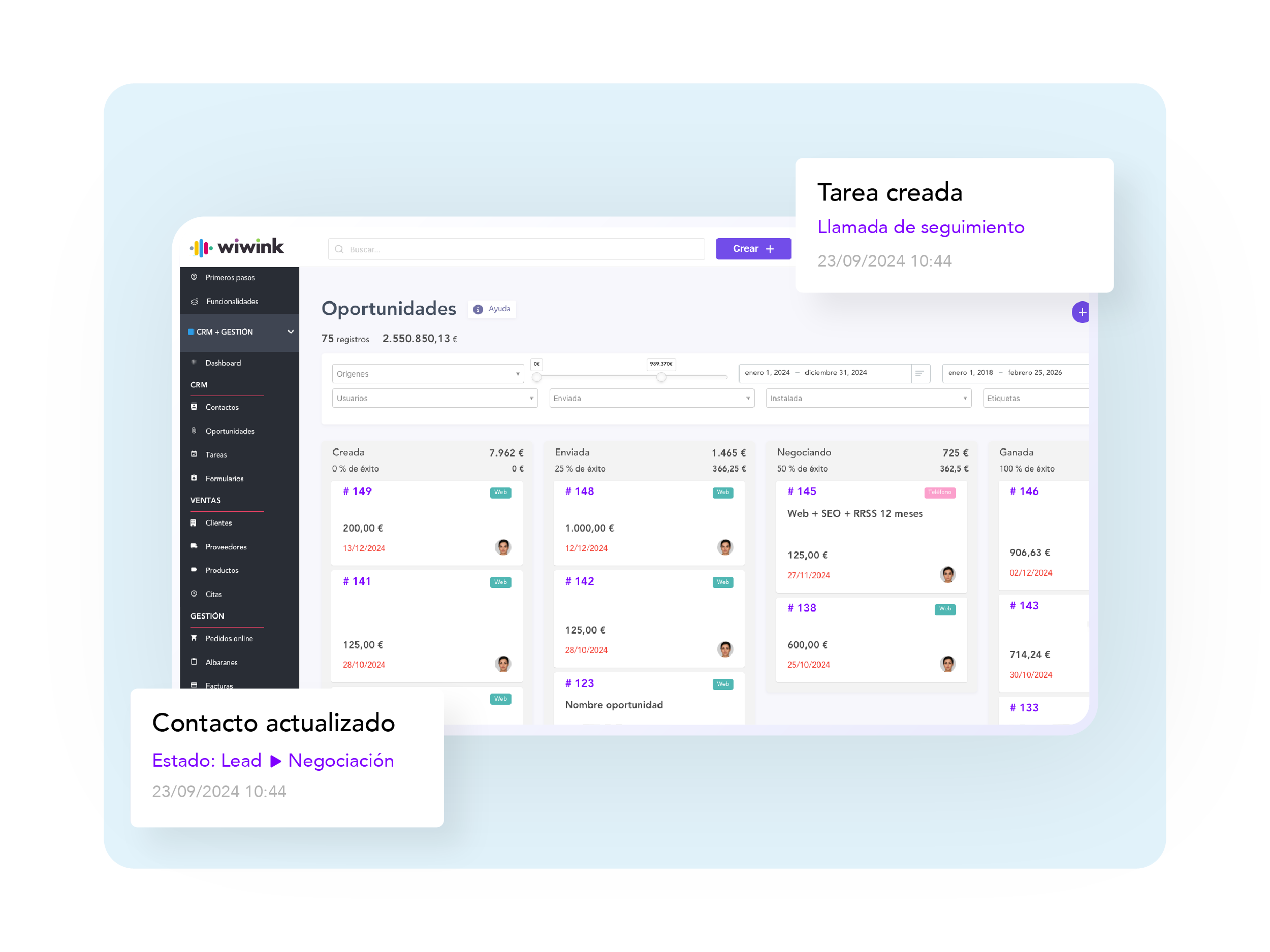
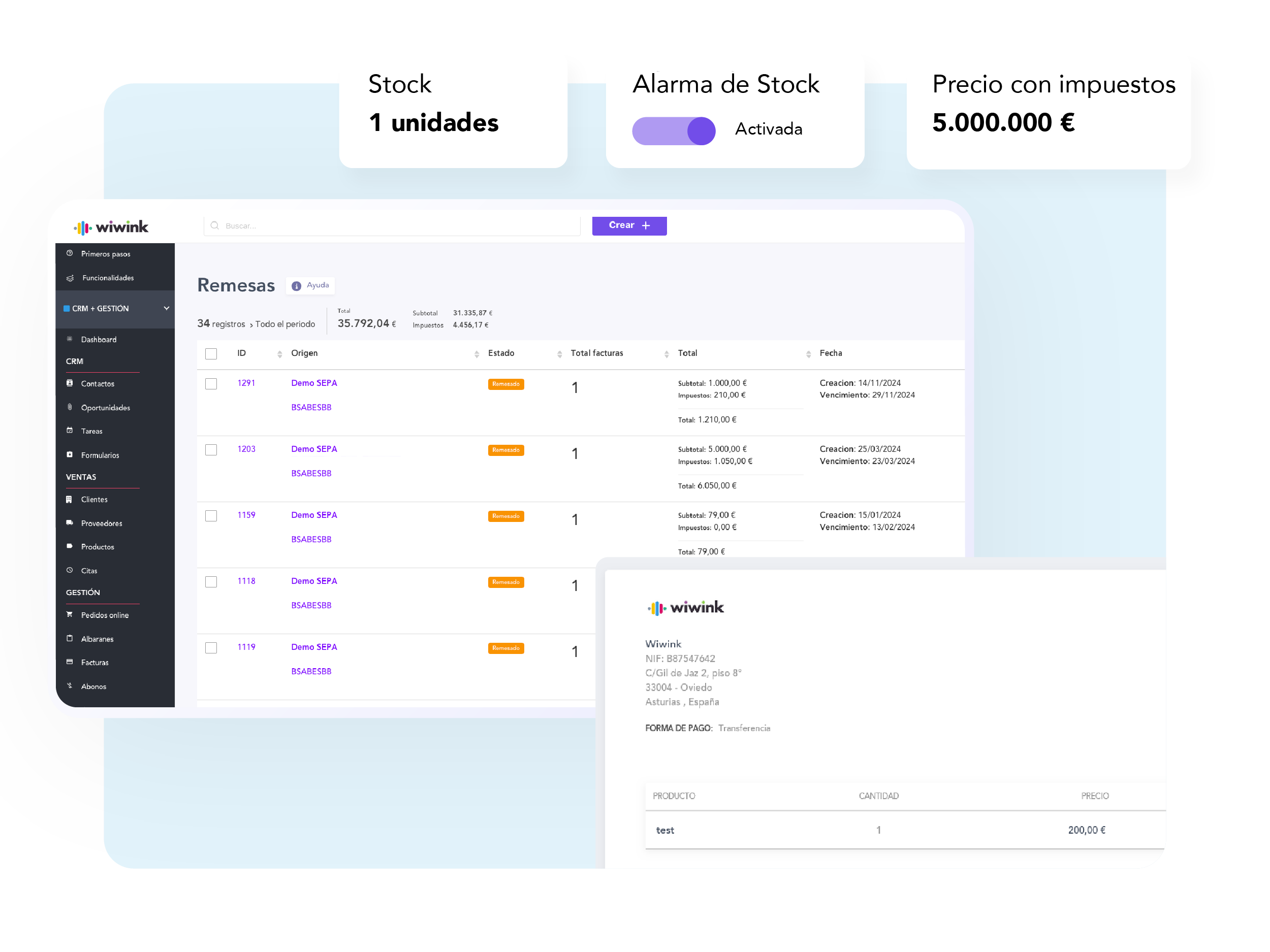
Learn moreAutomate repetitive tasks, avoid duplicating data and allow clients to pay online in just one click.
Learn moreAccess quotes, invoices, signed documents, subscribed products and more — all from each client's record.
Learn moreSegment your database and send campaigns, surveys or manage support tickets without leaving wiwink.
Learn moreTrack income, expenses, pending payments, top-selling products and team performance in real time.
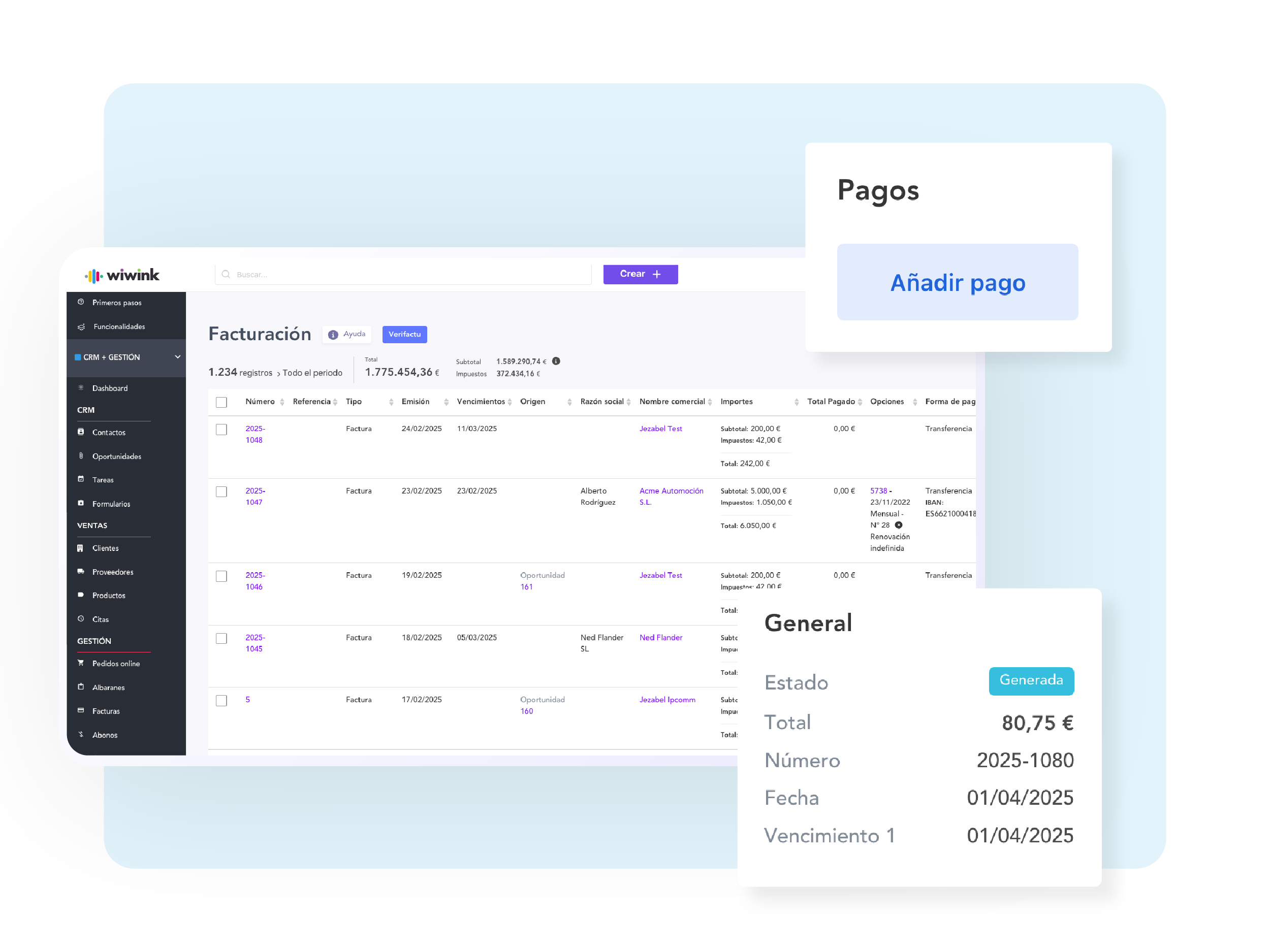
Learn moreGenerate FacturaE, meet Verifactu requirements, send GDPR-compliant campaigns and sign documents with legal traceability.
Learn more
We'll help you get started: data migration, custom templates, user setup. Talk to an expert
Yes, when you subscribe to CRM + Business Management you can use all its features without restrictions. You can also explore and add other tools on the platform according to your needs.
During the 10-day free trial, the account includes 1 administrator user. If you decide to continue with wiwink, you can add more users when you subscribe.
The free trial lasts 10 days and, if you need more time, you can extend it by another 7 days by following the process available on the platform.
Yes, we offer a 10-day free version, with no credit card required. If you need more time when the trial ends, you can extend it by another 7 days.
Yes, we offer discounts for annual payment and also run promotions with discount codes that you can redeem at checkout. See our pricing here: See pricing.
The administrator user can access the invoice history from the Preferences > Invoices menu within the platform.
At wiwink we protect your data to the highest security standards. We are hosted on secure servers and follow advanced data protection and recovery protocols. We also comply with the GDPR and carry out regular audits to keep you safe.
When you sign up, a setup wizard will guide you step by step. You can also access the settings from the Getting started menu or under Preferences within the platform.
If you need extra help, check our Help Centre, the Blog or contact our team via chat.
You can add extra users for €12/month per user (annual billing) or €15/month (monthly billing). They will have access to all the features and modules you have subscribed to, as long as you grant them permissions from the platform.
Yes, you can choose between monthly or annual payment. The annual plan offers a 20% discount. You can manage your subscription from the shopping cart within the platform.
Yes, you can add or remove modules and users whenever you need.
Important: If you have already paid for the current subscription (monthly or annual) you can choose not to renew it, but we cannot refund the pro-rata amount. You can manage everything from Preferences > Your plan.
Currently, you can pay by credit/debit card (Visa, Mastercard) or PayPal. The availability of payment methods may vary depending on your location. If you have any questions, contact us here.
If you have subscribed to an annual plan and decide to cancel within the first 30 days, you will receive a partial refund for the unused time.
To cancel, go to Preferences > Profile details and select "Delete account". If you have any questions, contact our team.
Yes, we offer an API so you can connect wiwink with other tools. See the full documentation here:
API documentation
You can talk to an advisor through:
Live chat
Request a personalised demo
Contact form
If you are a customer, you can also access support from the platform.
Yes, you can easily invite your team from Preferences > Invite users.
Yes, you can assign roles and permissions from Preferences > Invite users. That way you decide which modules and features each team member can use.